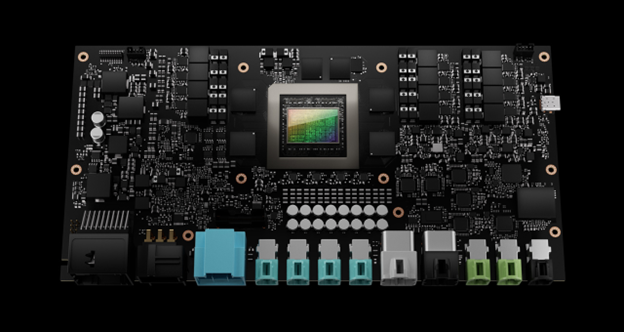
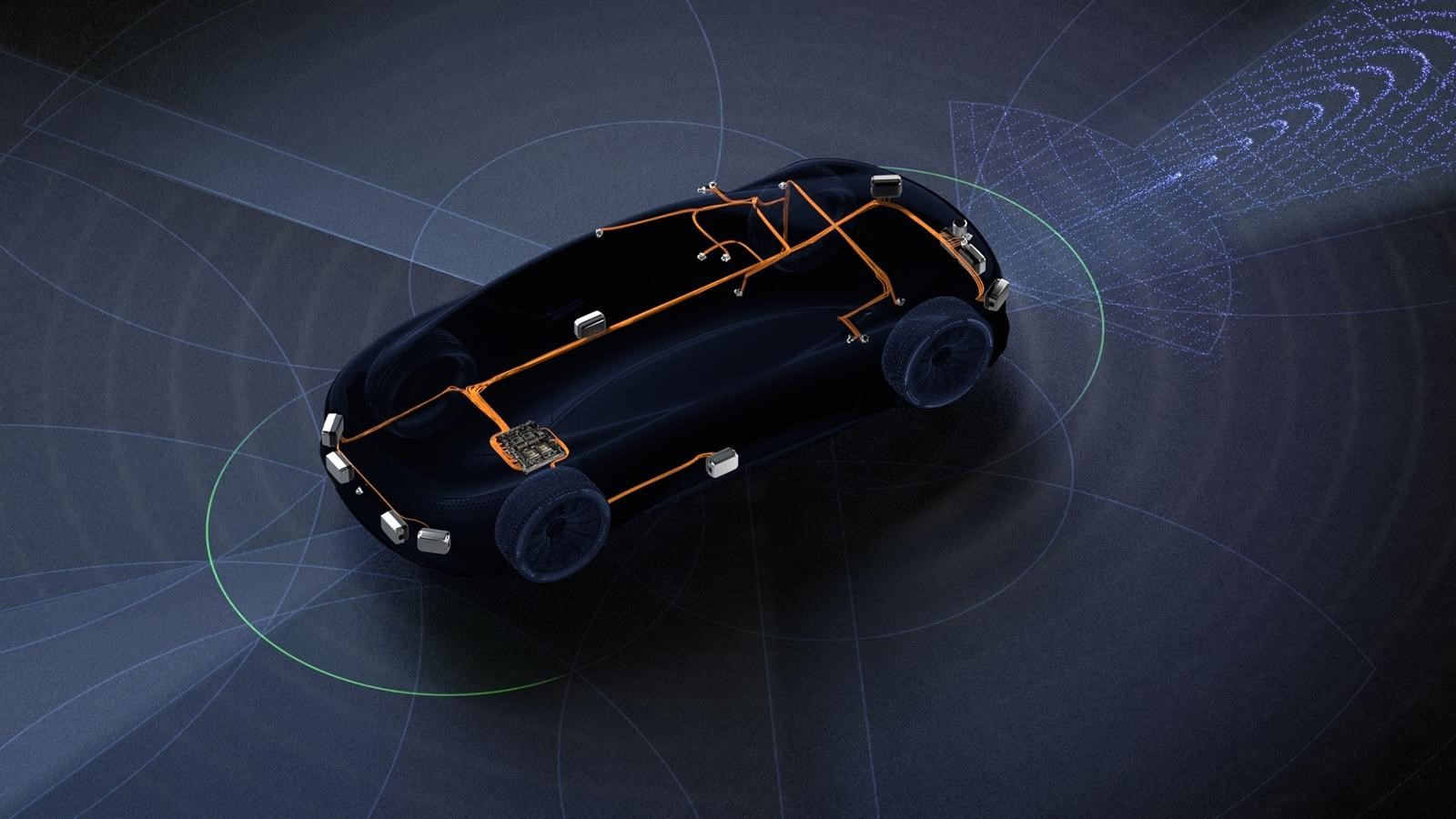
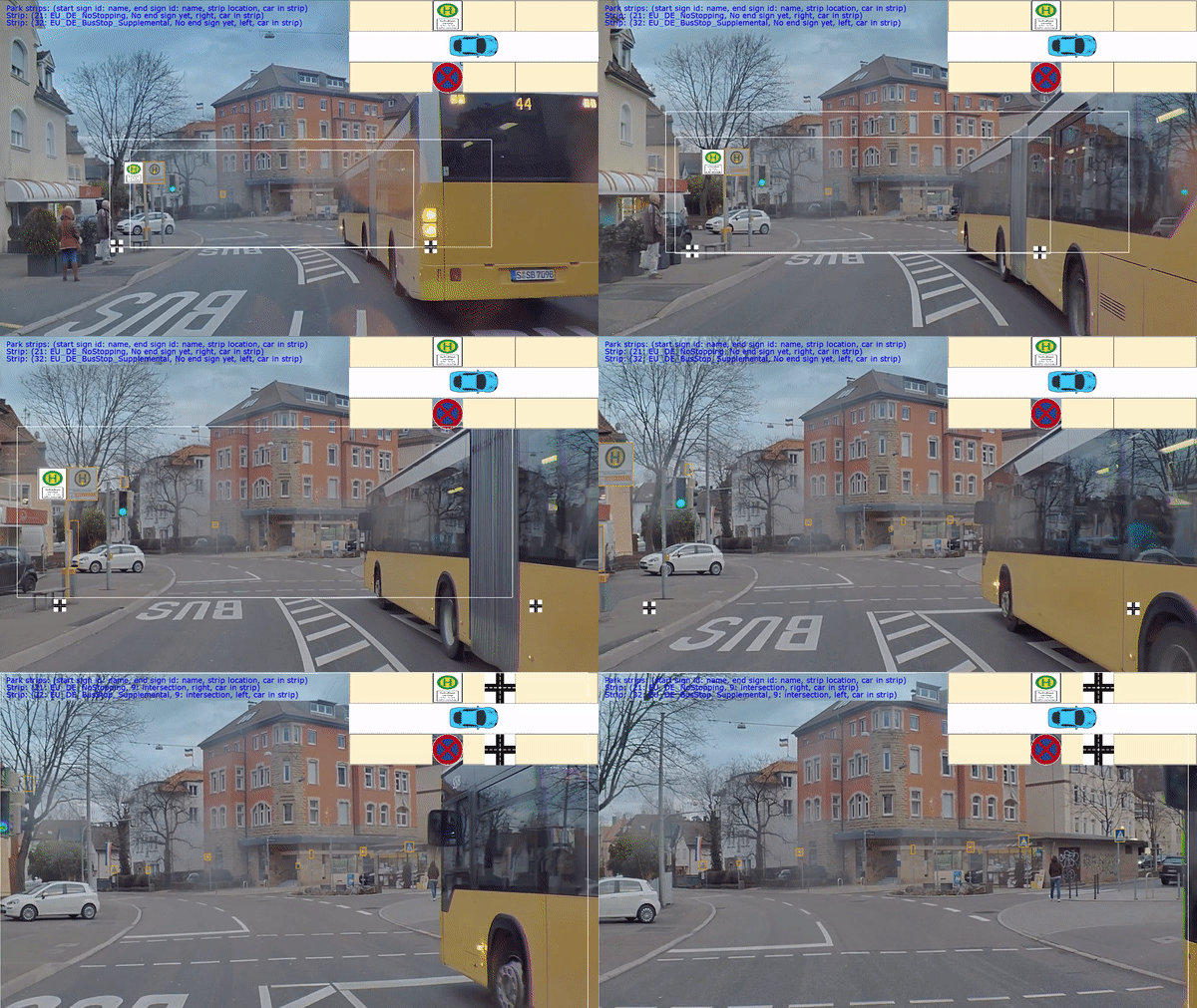
Accelerated Computer Vision Lab (ACCV-Lab) 是一个系统化的工具集,旨在帮助 ADAS(高级驾驶辅助系统)领域实现端到端的高效训练。ACCV-Lab 中的每个子模块专注于特定方向,提供相应的工具与最佳实践,以支持该领域的开发与研究。
子模块介绍
- On-demand Video Decoder
该模块用于高效从视频文件抽帧,并针对ADAS训练场景优化访问模式,以实现高吞吐和低延迟。模块可直接用于端到端训练,将视频作为输入,在保持或超过基于图像训练吞吐的同时,节省约90%的存储空间。
在StreamPETR的NuScenes(mini)数据集训练中,使用集成on-demand video decoder的视频训练方式,在8-GPU配置下相较图片训练可实现最高1.22倍加速。
- Batching Helpers
该模块支持对 non-uniform 数据进行高效 Batching,以加速 loss 计算。
在 ADAS 训练场景中,loss 通常以 per sample 的方式计算,导致计算耗时较长且 GPU 利用率较低。为应对此问题,模块提供了适配 Batching 的数据结构与辅助函数,包括 indexing、masking 和 tensor 合并等功能,可将任意 loss 的计算过程 batch 化,显著降低计算时间并提升资源利用效率。
针对任意网络与任意 loss,用户可在约 2–3 个工作日内将 BatchHelper 模块集成至现有实现中。
在 StreamPETR 训练(batch_size = 8)场景下,端到端训练速度可提升约 1.24 倍,其中 loss 计算部分实现约 4.46 倍加速。整体加速效果取决于 batch_size 大小及 loss 计算所占训练总耗时的比例。
- DALI Pipeline Framework
基于 NVIDIA DALI 构建,简化 ADAS 典型场景中的数据处理 pipeline 创建过程,并可轻松集成到现有的训练流程中。
- Draw Heatmap
一种在GPU上高效生成Gaussian Heatmap的工具(常用于目标检测训练),支持与BatchHelper模块定义的数据结构配合使用,实现批量绘图。
- Optim Test Tools
提供用于测试、性能分析和调试的工具,帮助在优化实现过程中进行验证。能够在不同的训练运行之间对比 tensor 与 gradient,从而确认优化是否被正确执行。
如何安装
- Dockerfile
该项目提供了一个 Dockerfile,用于构建包含所有依赖包的运行环境。有关 Dockerfile 的使用方法,请参见相关说明文档https://github.com/NVIDIA/ACCV-Lab/blob/main/docs/guides/DOCKER_GUIDE.md
- 从源码安装
下面的代码段演示了如何安装其中包含的所有软件包。
git submodule update --init --recursive
# Install all namespace packages ./scripts/install_local.sh
更多详细信息请参见安装指南 https://github.com/NVIDIA/ACCV-Lab/blob/main/docs/guides/INSTALLATION_GUIDE.md
如何使用
在每个子模块中都有一个示例文件夹,用于演示如何使用该软件包。
例如:
https://github.com/NVIDIA/ACCV-Lab/blob/main/packages/batching_helpers/example/example.py
展示了在辅助驾驶感知模块的典型loss计算中使用BatchHelper的三个步骤
def loss_computation_main(rects_gt, classes_gt, rects_pred, classes_pred, pred_existence, weights_gt):

    # ===== Step 1: Conversion of the GT per-sample data to RaggedBatch instances =====

    # @NOTE
    # Typically, the ground truth (GT) is provided as a list containing per-sample GT data as individual
    # tensors. Here, this format is converted into RaggedBatch objects containing the whole batch.
    # Note that except for the first call, a `other_with_same_sample_sizes` parameter is present. This
    # is optional, but saves memory by re-using the `mask` and `sample_sizes` (see `RaggedBatch`
    # documentation) of the first created instance. This is possible as all the GT data refers to the same
    # objects, so that for a given sample, the number of objects is the same for the different types of GT
    # data.
    rects_gt_compact = batching_helpers.combine_data(rects_gt)
    classes_gt_compact = batching_helpers.combine_data(
        classes_gt, other_with_same_sample_sizes=rects_gt_compact
    )
    weights_gt_compact = batching_helpers.combine_data(
        weights_gt, other_with_same_sample_sizes=rects_gt_compact
    )

    # ===== Step 2: Matching of the predictions to the GT objects =====

    # @NOTE
    # Get the matches for the individual samples. `matched_gt_indices` and `matched_pred_indices` contain
    # indices for matches for the GT and predictions, respectively. As each sample contains a different number
    # of matches, `RaggedBatch` instances are used to store the indices for both the GT and the predictions.
    matcher = Matcher()
    matched_gt_indices, matched_pred_indices = matcher(
        rects_gt_compact, classes_gt_compact, rects_pred, classes_pred
    )

    # ===== Step 3: The actual loss computation =====

    # @NOTE
    # Compute the actual loss given GT and prediction data, as well as the matches established by the matcher.
    loss_comp = LossComputation()
    per_sample_loss = loss_comp(
        rects_gt_compact,
        classes_gt_compact,
        rects_pred,
        classes_pred,
        pred_existence,
        weights_gt_compact,
        matched_gt_indices,
        matched_pred_indices,
    )

    # @NOTE
    # The loss computation returns per-sample losses, and they can be used as such after the computation
    # (e.g. logged, weighted, etc.). Here, we just sum the per-sample losses to obtain the final loss.
    final_loss = torch.sum(per_sample_loss)
    return final_loss
示例内容也整合到了文档中,文档展示了相关的代码片段,并提供了额外的背景信息和说明。
有关如何构建文档的详细步骤,请参阅以下快速入门指南 https://github.com/NVIDIA/ACCV-Lab/blob/main/README.md
未来,ACCV-Lab 将持续扩展更多功能与示例,用于展示其在真实场景中的应用效果及性能提升。并附带简要的使用指南,以方便用户快速搭建统一的实验环境。
注意
前述基于 StreamPETR 的评估功能将于未来版本更新中作为Demo模块加入ACCV-lab(针对 Batching Helpers 与 DALI 流水线,将提供相应教程,阐释如何与 StreamPETR 进行集成)。
详细使用方法请参考: