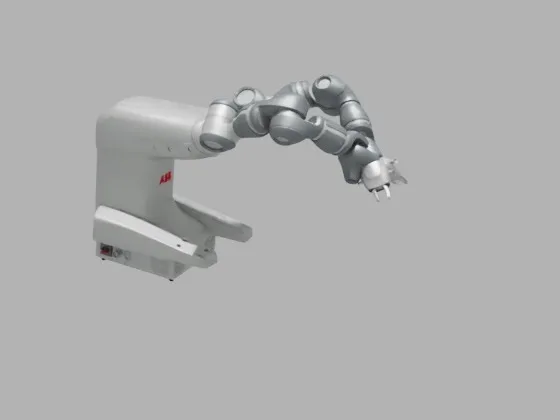
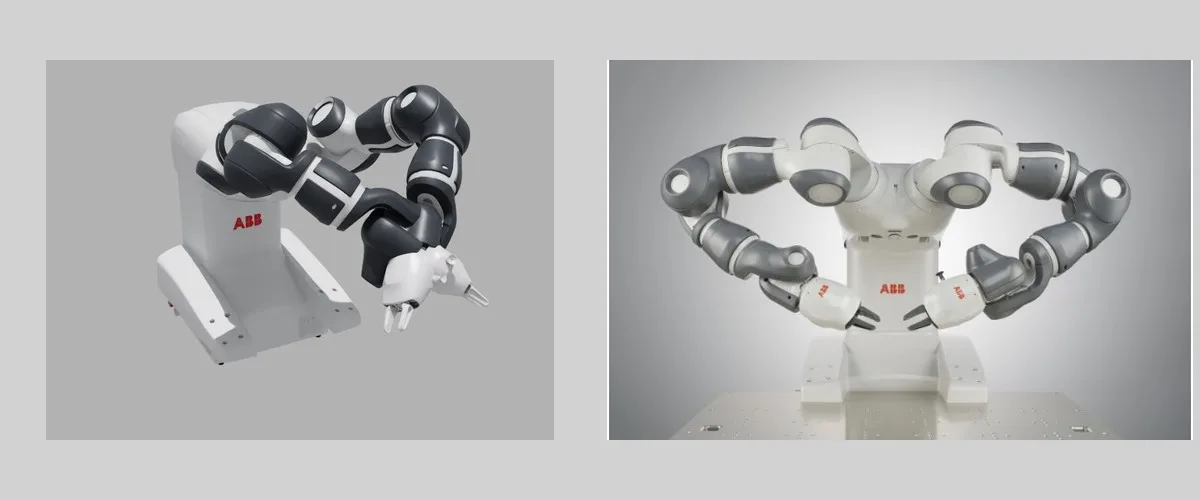
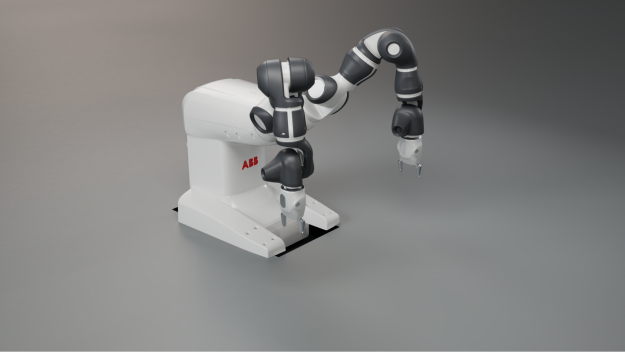
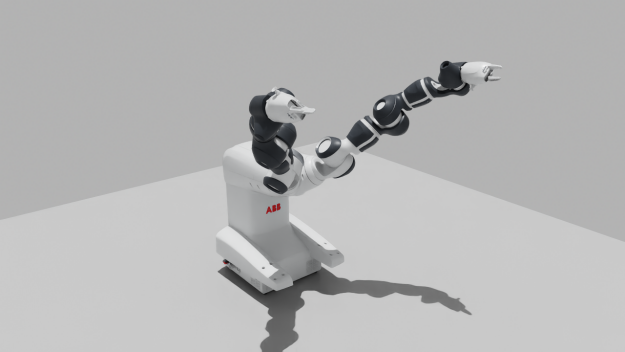
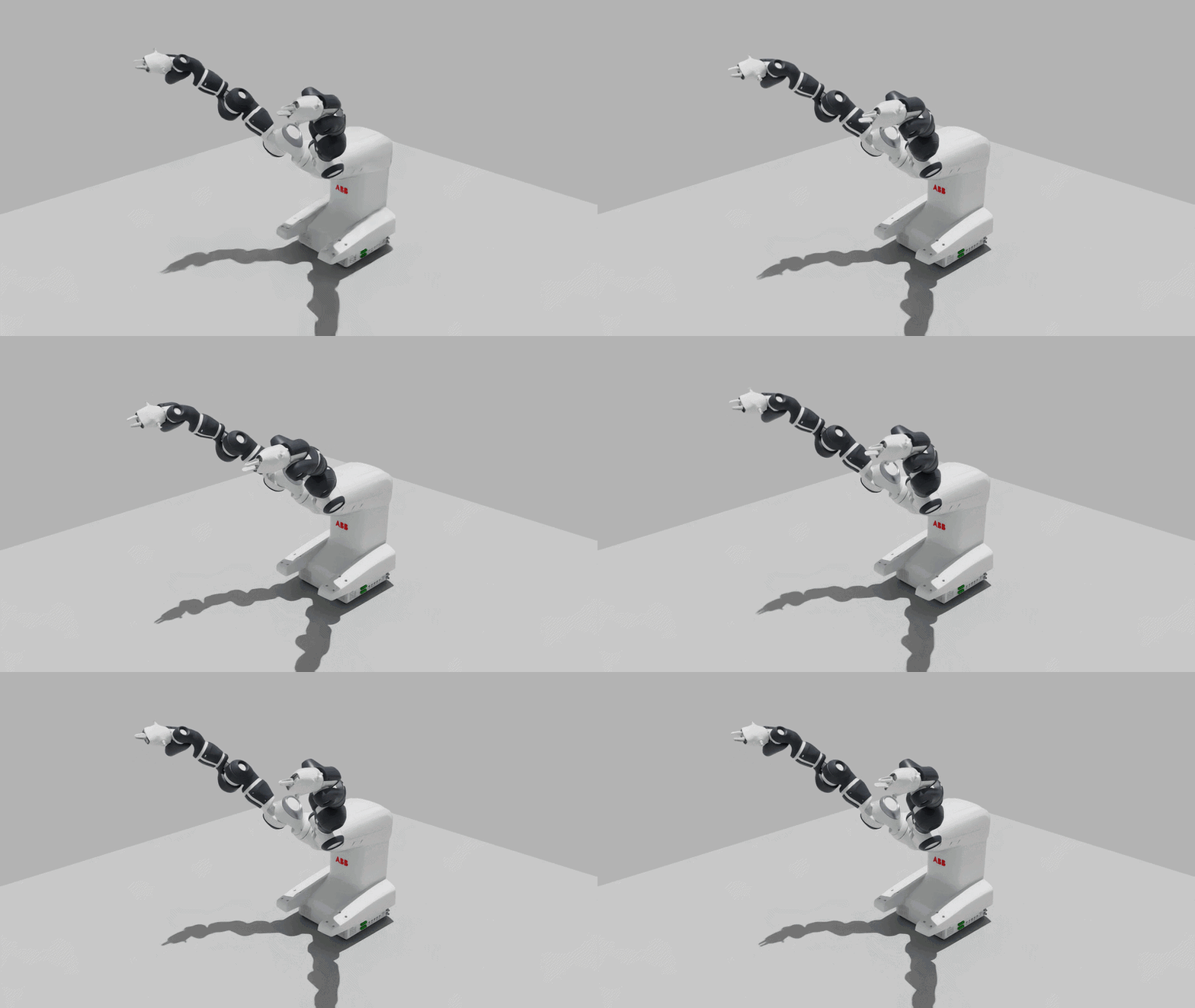
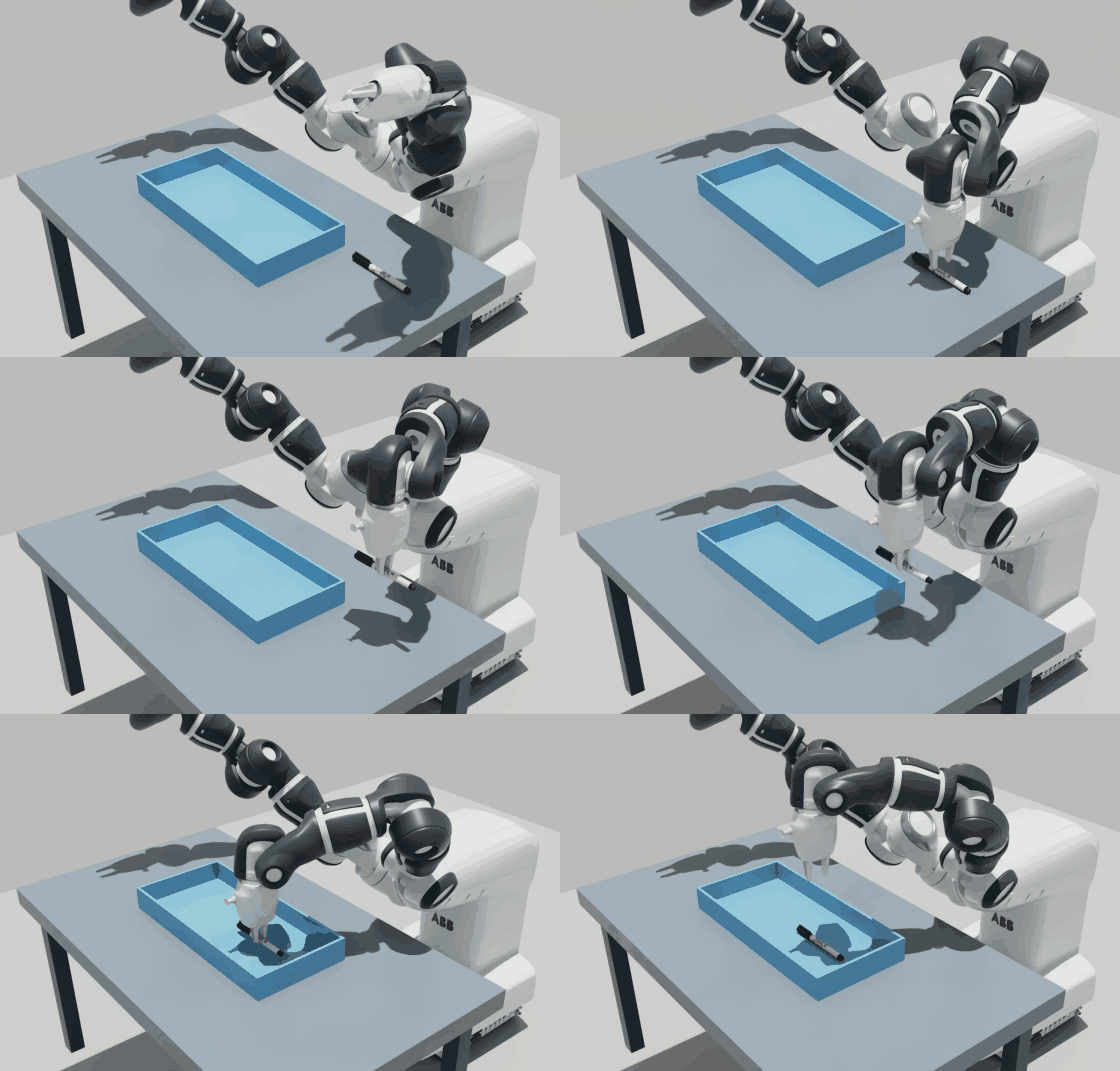
Use the ABB images and videos in the reference folder to match the imported robot’s appearance to the physical robot. Add or adjust materials and textures, and report any visual discrepancies or missing reference information.
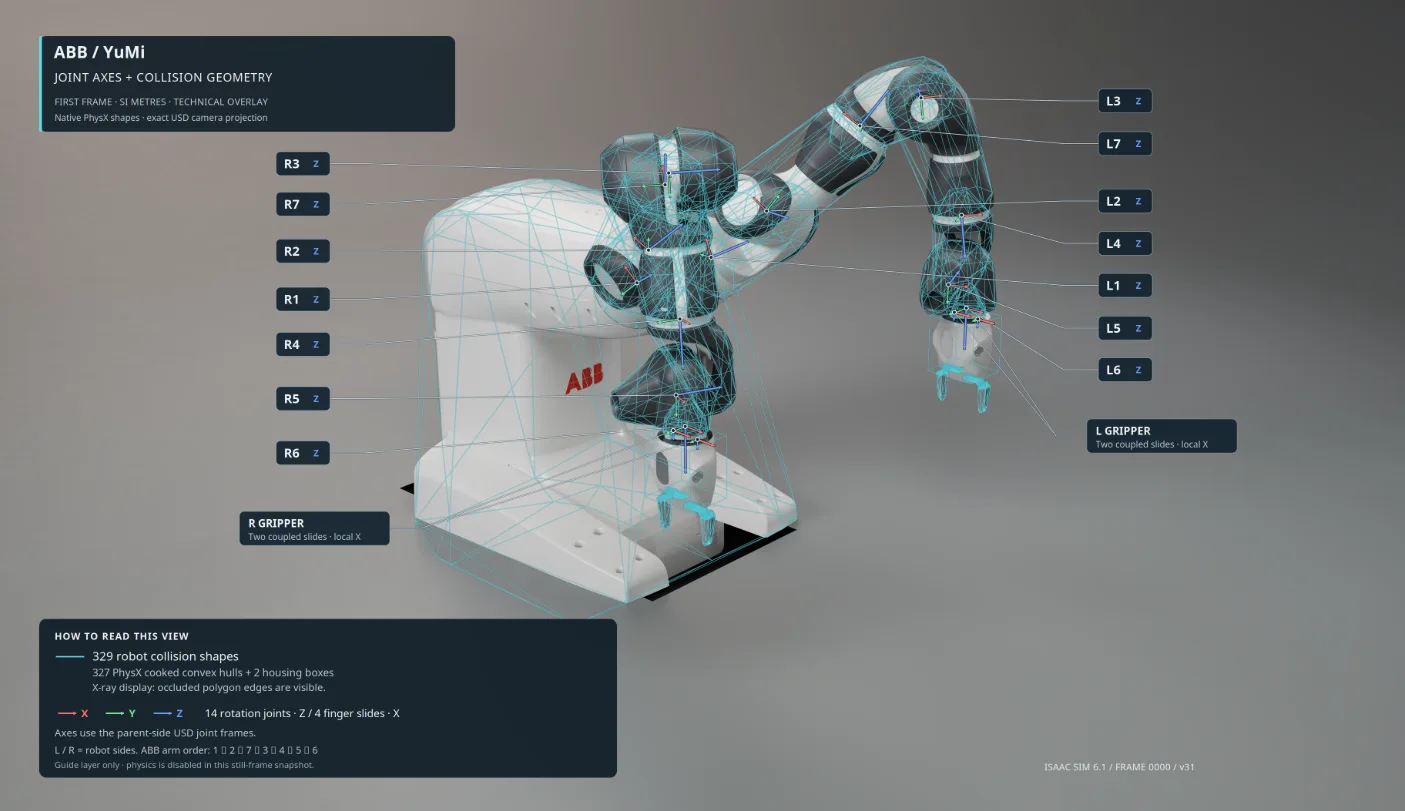
Rig the physics and validate the physics properties for both YuMi arms and grippers.Check joint definitions, axes and limits, mass and inertia, collision geometry, base mounting, and gripper motion.
下一步是根据预期仿真任务的 SimReady 要求验证机器人的 OpenUSD 资产。让智能体运行选定的 SimReady Foundation 检查,查看结果,并根据需要修改素材。
示例提示:
Validate the final YuMi asset in Isaac Sim.Find the SimReady asset validation for a robot, and apply the SimReady schema (https://github.com/nvidia/simready-foundation) to the usd file, use any related skills in that repo.
此工作流程中的验证结果:
SimReady Foundation:根据 SimReady Foundation 的要求,检查了 YuMi 素材的单元、素材依赖项、几何图形、材质、刚体、关节、驱动和关节。
Isaac Sim 资产检查:通过 Isaac Sim 内的验证引擎,验证规模、方向、部件放置、抓手安装、材料覆盖和已解决的纹理依赖项。
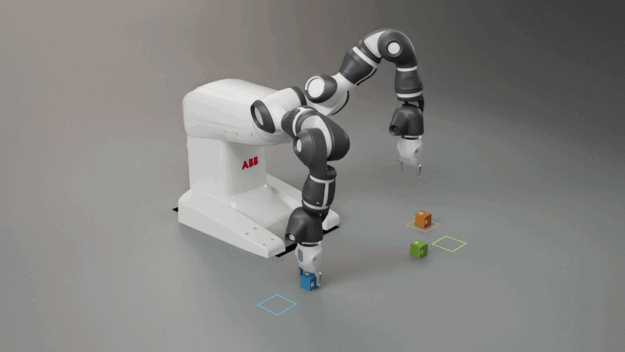
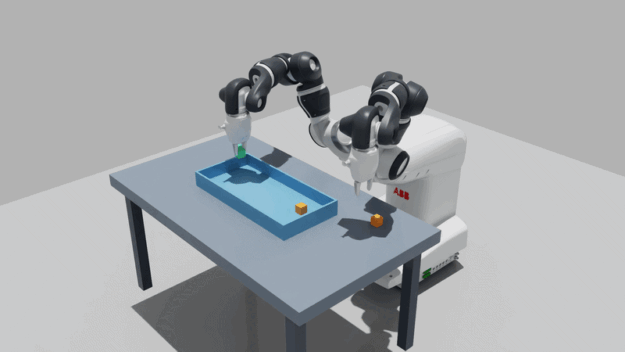
Use both arms and grippers to pick and place cubes. Add color targets and a box to the test scene, and define their locations and the targets’ color metadata.Run the complete grasp, lift, hold, transfer, and release sequence. Use scene metadata to select the matching color target for each cube. Also test placement into the box.
Check scale, orientation, part placement, materials, textures, joint axes and limits, collision geometry, and gripper behavior. Run the selected SimReady Foundation validation checks.